

Made in India Enterprise Hardware for AIDC, AI & Industrial IoT

Delmonix Printing Hardware

Enterprise Barcode & Receipt Printers for reliable identification.

Support labels, shipping documentation, product identification, receipts and other operational print requirements across warehousing, logistics, retail and enterprise environments.

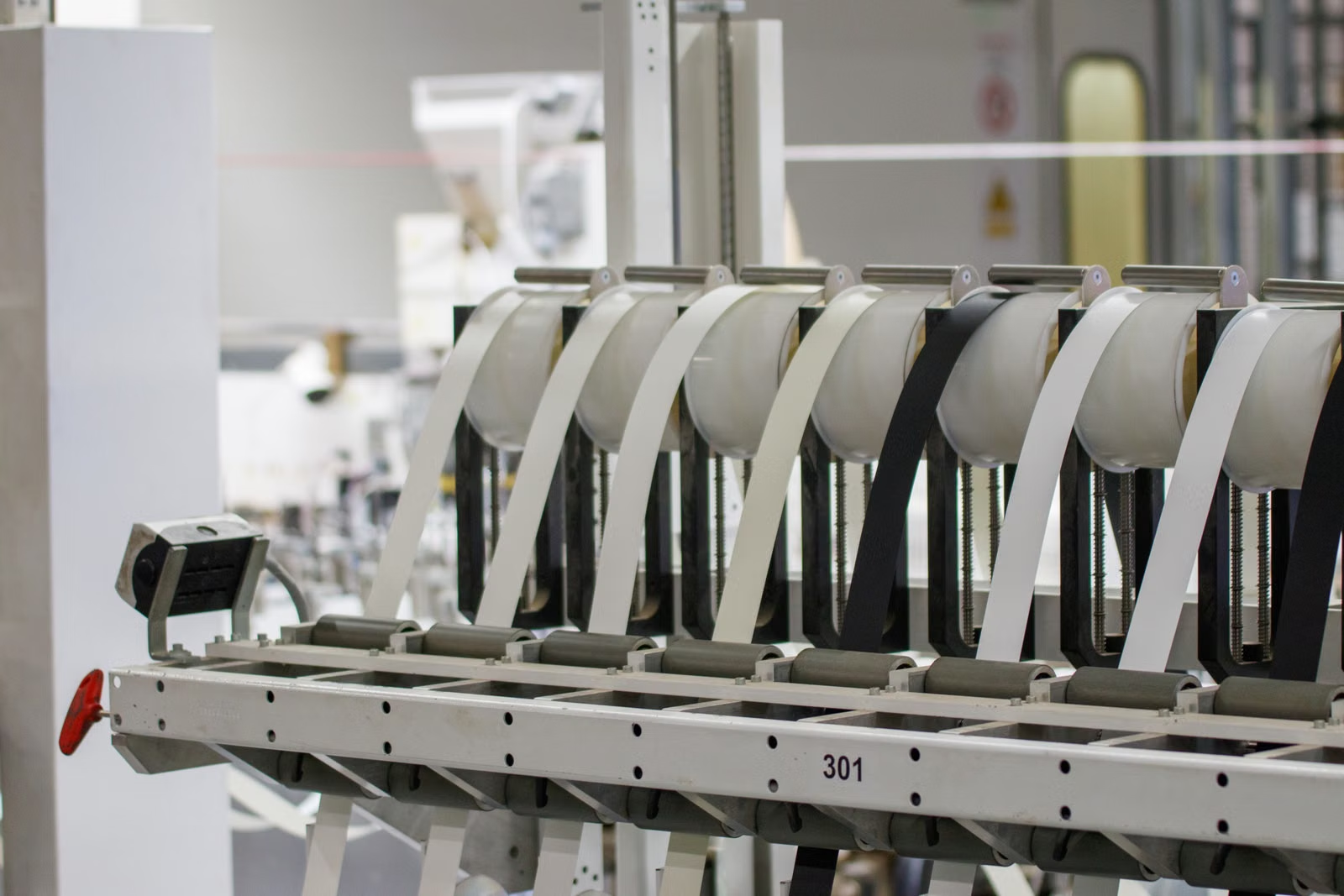
Warehouse identification and labelling workflow
Enterprise Printing ContextPhysical output that supports identification, transactions and traceability.
Barcode & LabelsPhysical identification
ReceiptsTransaction output
ShippingDispatch documentation
Enterprise UseWorkflow-led selection
Industrial production environment
Printing Across OperationsIdentification where the operation needs physical output.
Enterprise Printing Workflows

Built for reliable printing workflows.

Printing creates the physical identification and transaction output that connects products, shipments, inventory and operational records with the systems managing them.

01

Shipping Labels

Support dispatch, distribution and logistics identification.

02

Product Identification

Connect physical products with barcode and operational data.

03

Inventory & Asset Labels

Support stock, locations and physical asset identification.

04

Compliance Labels

Produce required identification and process information.

05

Receipt Printing

Support customer-facing and transaction-based workflows.

06

Operational Documentation

Generate printed output that supports organized processes.

Two Printing Workflows

Barcode printing and receipt printing serve different needs.

Both create physical output, but the information, environment and workflow can be different. Start with the output before selecting hardware.

Warehouse and distribution operations
01 / Barcode & Label Printing

Identification, tracking and traceability.

Used when products, inventory, assets or shipments need a physical identifier that connects them with operational systems and data.

Product LabelsShipping LabelsInventory LabelsAsset LabelsCompliance Labels
Common Fit

Warehousing, manufacturing, logistics, distribution and asset identification.

Retail checkout and transaction environment
02 / Receipt & Transaction Printing

Transactions, records and customer output.

Used where transaction information, customer records or operational details need to be produced at a counter, desk or service point.

Transaction ReceiptsCustomer ReceiptsOrder RecordsService RecordsOperational Slips
Common Fit

Retail counters, service desks and transaction-based enterprise environments.

Connected AIDC Workflow

From operational data to physical identification.

Printing hardware is one part of the wider workflow: information is captured, processed, printed, applied and then used to keep physical activity traceable.

01 / Capture

Capture information.

Receive product, inventory or transaction information at the point of activity.

Data Input
02 / Process

Process the requirement.

Enterprise systems determine the output required by the operational workflow.

ERP · WMS · POS · Applications
03 / Print

Create physical output.

Generate the labels, receipts or documents required by the operation.

Barcode & Receipt Printing
04 / Identify

Apply identification.

Use printed information with products, assets, shipments or transaction records.

Label · Receipt · Document
05 / Track

Maintain traceability.

Keep identified items visible as they move through operational processes.

Connected Operations
Capture → Process → Print → Identify → TrackConnected Enterprise Workflow
Printing Across Industries

Different industries. Different printing workflows.

The requirement depends on what needs to be identified, documented or handed to the customer. Start with the workflow and physical output.
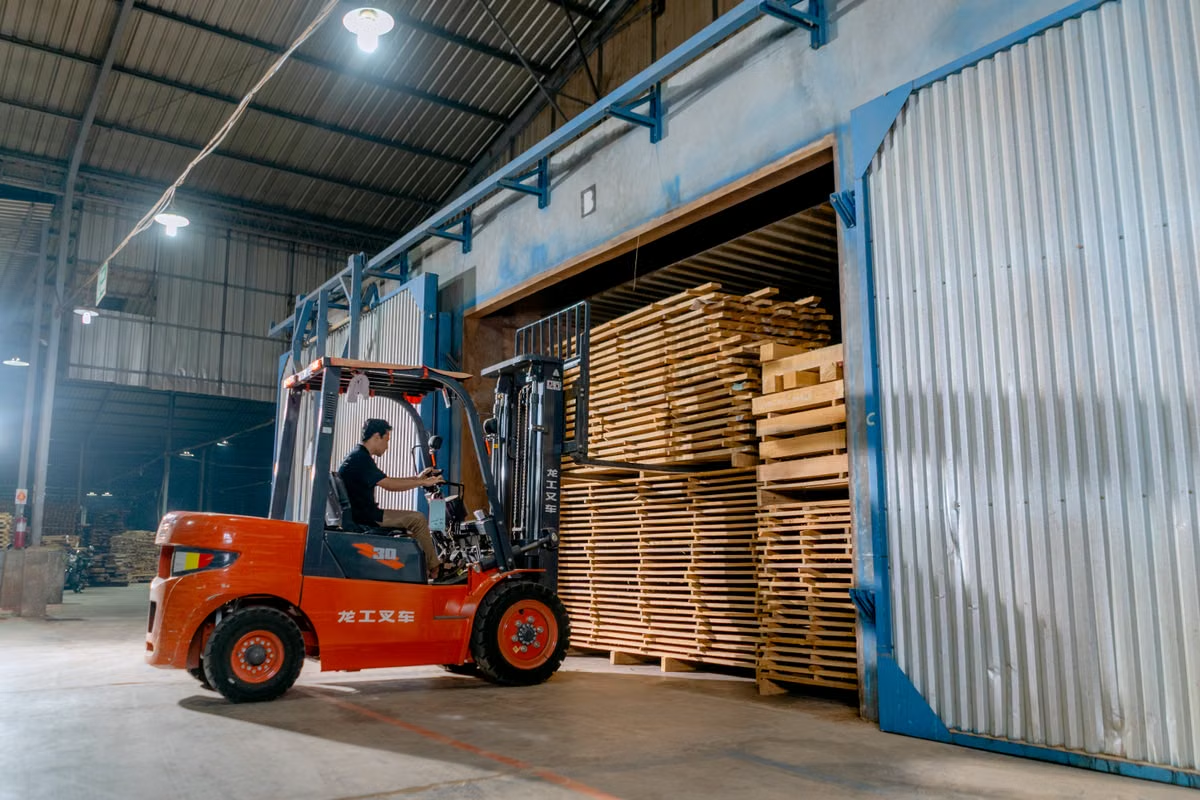
Logistics and material handling operation
01 / Logistics

Shipment Visibility

Shipping labels, parcel identification and route documentation.

Healthcare professional using digital technology
02 / Healthcare

Operational Identification

Identification labels, records and controlled operational materials.

Distribution centre and warehouse operations
03 / Distribution

Goods Movement

Carton, picking and shipping labels across storage and dispatch.

04 / Manufacturing

Production & Traceability

Product, work-in-progress, component and compliance identification.

05 / Warehousing

Inventory & Dispatch

Bin, inventory, carton and outbound shipment labels.

06 / Retail

POS & Customer Output

Receipts, order slips and product identification at store level.

Printer Selection Guide

Choose printing hardware around the actual requirement.

A printer should be selected around the physical output, workload, operating environment and system it needs to support — not around a generic feature label.

01

Output Type

Labels, receipts, shipping documents or other operational output.

02

Printing Workload

Consider frequency, peak periods and operational demand.

03

Media Format

Physical dimensions and output type influence the format required.

04

Connectivity

Define how the device connects with workstations and systems.

05

System Integration

Review ERP, WMS, POS and application requirements.

06

Operating Environment

Counter, warehouse and manufacturing environments differ.

07

User & Operator Needs

Fit hardware into the day-to-day workflow of the people using it.

08

Deployment Scale

Plan for one workstation, multiple sites or a broader rollout.

Requirement before hardware.

The right printer is the one that fits the complete workflow — not simply the device with the longest feature list.

Discuss Your Requirement
Why Delmonix Printing Hardware

Enterprise printing should support the operation behind it.

Delmonix approaches enterprise hardware around operational requirements, connected systems, deployment needs and long-term support.

01

Enterprise-Focused Hardware

Selection starts with the operational workflow rather than isolated labels.

02

Made in India Focus

Enterprise hardware with an Indian engineering and manufacturing direction.

03

Integration Mindset

Consider hardware alongside software, systems and operational processes.

04

Deployment Support

Plan product selection around output, environment and rollout requirements.

05

Long-Term Support

Technical assistance and support beyond the initial hardware purchase.

18+Years of Industry Expertise
Delmonix enterprise hardware is built around performance, reliability and long-term operational requirements.
Talk to Our Team
Printer FAQs

Questions before choosing printing hardware?

Understand the main workflow differences before planning an enterprise printing deployment.

01What is the difference between barcode printing and receipt printing?

Barcode and label printing is generally used to identify products, inventory, assets or shipments. Receipt printing is typically used to produce transaction records, customer receipts or operational slips at the point of activity.

02What can barcode and label printers be used for?

Common enterprise applications include product identification, inventory labels, shipping labels, asset labels and compliance-related identification. The exact requirement depends on the workflow and operating environment.

03Where are receipt printers commonly used?

Receipt printing is commonly used in retail counters, service desks, POS environments and other transaction-based workflows where physical records need to be produced.

04How do I choose the right printer for my business?

Start with the output type, expected workload, media format, operating environment, connectivity, software integration and deployment scale.

05Can enterprise printers work with ERP, WMS or POS systems?

Enterprise printing can be part of a broader operational system. Integration should be reviewed for the selected hardware, connection method, software environment and application.

06Do warehouses and retail stores need the same type of printer?

Not necessarily. Warehouses may focus on inventory, carton and shipping labels, while retail environments may require receipts, product labels or order documentation.

07What should I consider for a larger printer deployment?

Consider consistency across sites, operating environment, integration requirements, user workflows, serviceability and the number of printing points required.

08Can Delmonix help recommend the right printing solution?

Yes. Delmonix can review the intended output, operating environment and wider enterprise workflow to help narrow a suitable printing hardware approach.

Start with what the workflow needs to output.Talk to a Product Specialist
Product Consultation

Find the right printing solution for your operation.

Tell us what you need to print, where the hardware will operate and how it fits into your existing workflow. The Delmonix team can help narrow the right enterprise printing approach.

Sales Enquiriessales@delmonix.com
Technical Supportsupport@delmonix.com
LocationPune, India