Made in India Enterprise Hardware for AIDC, AI & Industrial IoT

Delmonix Rugged Tablets

Enterprise computing for demanding working environments.

Bring a larger mobile workspace closer to the point of activity with rugged enterprise tablets designed around field, industrial and operational workflows where conventional office computing is not practical.

Mobile Computing Larger Workspace
Rugged Design Operational Use
Connected Work Enterprise Mobility
Field Ready Work Beyond the Desk
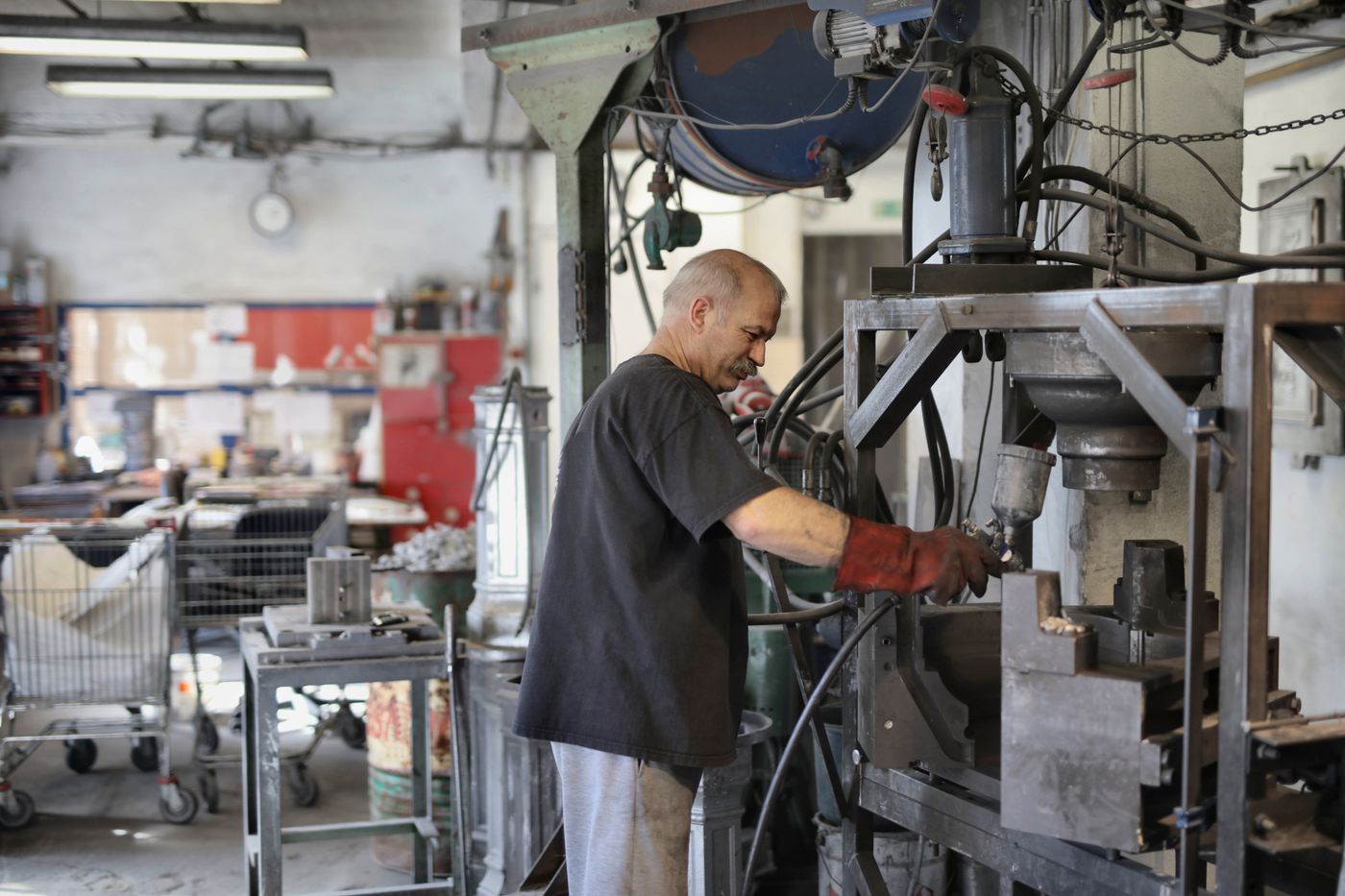
Professional working in an industrial field environment
Enterprise Field Computing Rugged Mobility / Operations
Computing Beyond the Office Take enterprise information closer to the physical operation.

Support workers who need a practical digital workspace while operating across industrial, field and mobile environments.

Rugged Computing · Enterprise Mobility · Field Operations
A larger digital workspace wherever operations happen.
Built for Demanding Work

Computing beyond controlled office environments.

Standard consumer tablets are designed around everyday environments. Rugged tablets are intended for operations where field conditions, industrial activity and continuous movement place greater demands on the hardware.

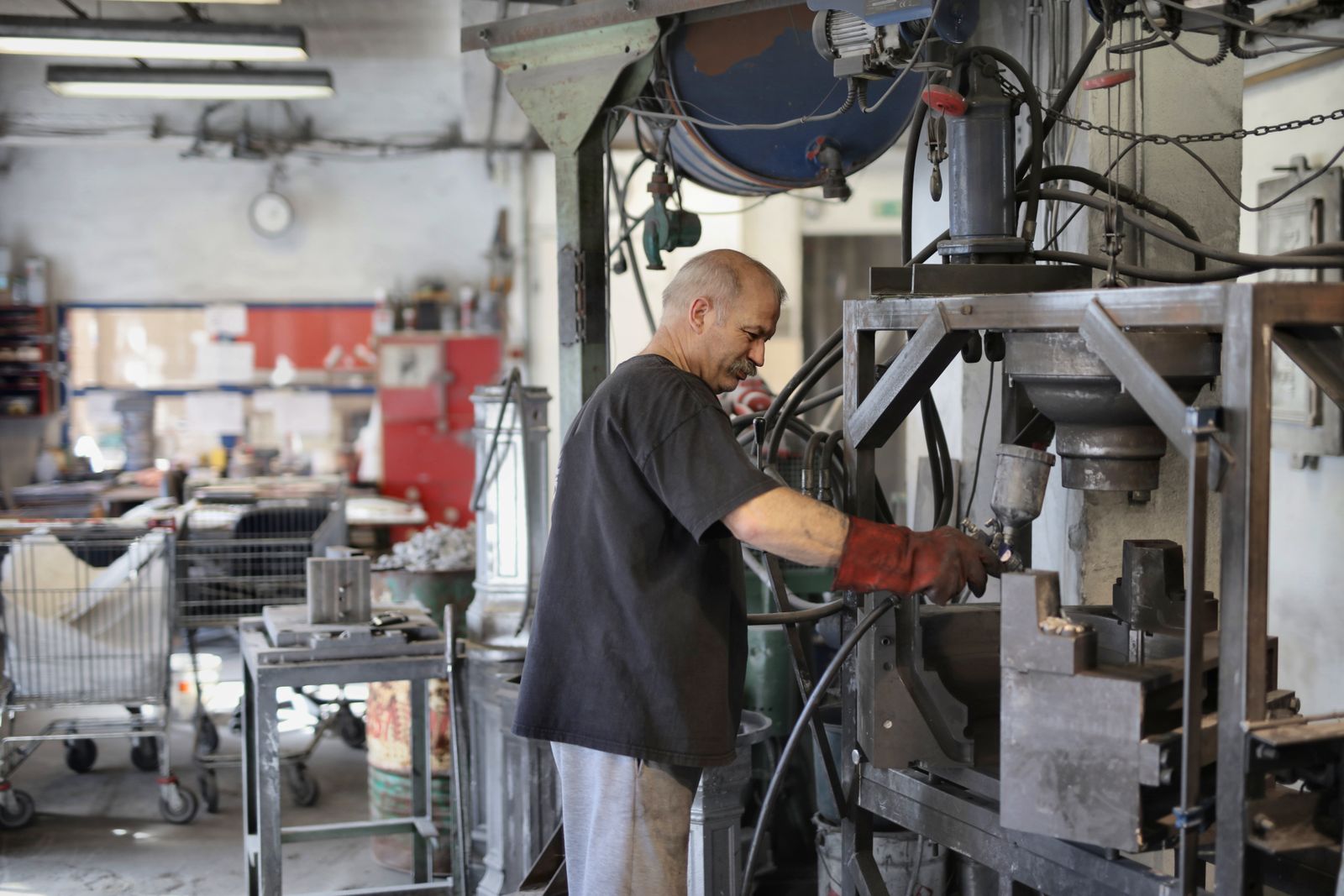
Industrial manufacturing environment where rugged computing can support operational work
Industrial Computing Field · Factory · Operations
Where Conventional Devices May Struggle

Keep digital workflows closer to demanding operations.

Rugged tablets provide a mobile enterprise workspace for inspections, maintenance and field activity where users need access to applications away from a desk.

Field Mobility Work Beyond the Desk
Digital Inspections Operational Workflows
Enterprise Access Information on the Move
01
Factory Operations

Factory Floor Inspections

Give teams a larger mobile interface for reviewing information and completing digital inspection workflows directly within operational environments.

Inspections Production Areas Digital Records
02
Maintenance Workflows

Equipment Maintenance

Support technicians who need access to work information, maintenance records and digital workflows while physically working around equipment.

Maintenance Equipment Records Technician Mobility
03
Mobile Engineering

Field Engineering

Bring enterprise applications and operational information into field environments where engineers need a practical digital workspace away from conventional office infrastructure.

Field Work Engineering Tasks Application Access
04
Infrastructure Operations

Utilities & Construction

Support mobile teams operating across infrastructure, construction and utility environments where access to digital information is required at the actual point of work.

Utilities Construction Field Productivity
05
Outdoor Operations

Work Beyond Controlled Indoor Spaces

Rugged tablets are intended for demanding environments where standard consumer devices may be less suitable because of factors such as dust, moisture, drops or temperature exposure.

Outdoor Work Demanding Environments Mobile Computing
06
Connected Teams

Digital Collaboration in the Field

Give mobile personnel access to shared digital workflows and enterprise information while they remain physically closer to the work being performed.

Collaboration Digital Workflow Enterprise Mobility
06
Common Rugged Tablet Work Environments Rugged computing is about keeping enterprise applications and digital workflows available where the physical work actually happens.
Field Productivity
Understanding the Difference

Consumer tablet or rugged enterprise tablet?

Both provide mobile computing, but they are intended for very different working conditions. The real question is not simply screen size — it is where the device must operate and how important reliability is to the workflow.

Standard Consumer Tablet Everyday Computing
01 / Consumer Computing

Designed around everyday environments.

General-Purpose Mobile Computing

Consumer tablets are suitable for many normal computing activities, particularly where the device operates in predictable environments and is not exposed to the physical demands of industrial or field work.

Typical Setting Offices, homes and controlled indoor environments
Design Priority Everyday convenience and general-purpose computing
Workflow General applications and standard digital tasks
Best Considered When The working environment places limited physical demand on the device
Rugged Enterprise Tablet Operational Computing
02 / Rugged Computing

Designed around demanding work environments.

Industrial & Field Productivity

Rugged tablets are intended for industrial and field environments where employees still need enterprise applications and digital workflows, but standard consumer hardware may be less suitable.

Typical Setting Factory floors, field engineering, utilities, construction and mobile operations
Design Priority Reliable enterprise computing in demanding environments
Workflow Inspections, maintenance, field work and enterprise application access
Best Considered When Physical working conditions are an important part of hardware selection

01
The Key Difference A rugged tablet is not simply a heavier consumer tablet. It is selected around the operational environment, enterprise workflow and reliability requirements of the work.
Discuss Your Environment
Digital Field Workflow

From inspection to action, without returning to a desk.

Rugged tablets can bring enterprise applications, inspection workflows and operational information directly to employees working around equipment, infrastructure and field environments.

Field Inspection Digital Workflow
Rugged Tablet Workflow Access information, inspect the asset and update the workflow while remaining at the point of work.
01
Access

Bring operational information to the worker.

Give field and industrial teams a mobile workspace for accessing the information and enterprise applications required for the task at hand.

Work Information Enterprise Applications
02
Inspect

Complete digital inspections where the asset is.

Factory-floor and field personnel can work through inspection processes directly within the operational environment instead of relying only on paper or returning to a fixed terminal.

Factory Inspections Field Engineering
03
Record

Turn field activity into a digital record.

Capture inspection outcomes, maintenance activity and workflow information closer to where the physical work is actually being completed.

Digital Records Maintenance Activity
04
Collaborate

Keep teams connected to the same operational workflow.

Rugged mobility can support collaboration by keeping relevant information accessible to employees while they remain distributed across field, maintenance or industrial activities.

Shared Information Team Collaboration
05
Continue

Move to the next task without breaking the workflow.

The goal of rugged mobility is to help employees continue operational work with the digital tools they need, rather than repeatedly moving between the field and a fixed workstation.

Field Productivity Enterprise Mobility
05
Continuous Rugged Workflow Access → Inspect → Record → Collaborate → Continue
Digital Field Productivity
Industries & Applications

Rugged computing, where operations happen.

From industrial inspections to field engineering, rugged tablets support teams that need enterprise applications and digital workflows beyond a conventional workstation.

Factory floor environment
01 Manufacturing

Factory Floor Inspections

Bring inspection workflows and operational information closer to equipment, production areas and factory activity.

Industrial equipment maintenance
02 Maintenance

Equipment Maintenance

Keep technicians connected to digital maintenance workflows at the asset.

Engineer working in the field
03 Field Operations

Field Engineering

Give engineers a practical mobile workspace beyond office infrastructure.

Utility infrastructure
04 Utilities

Utilities

Digital access across distributed infrastructure environments.

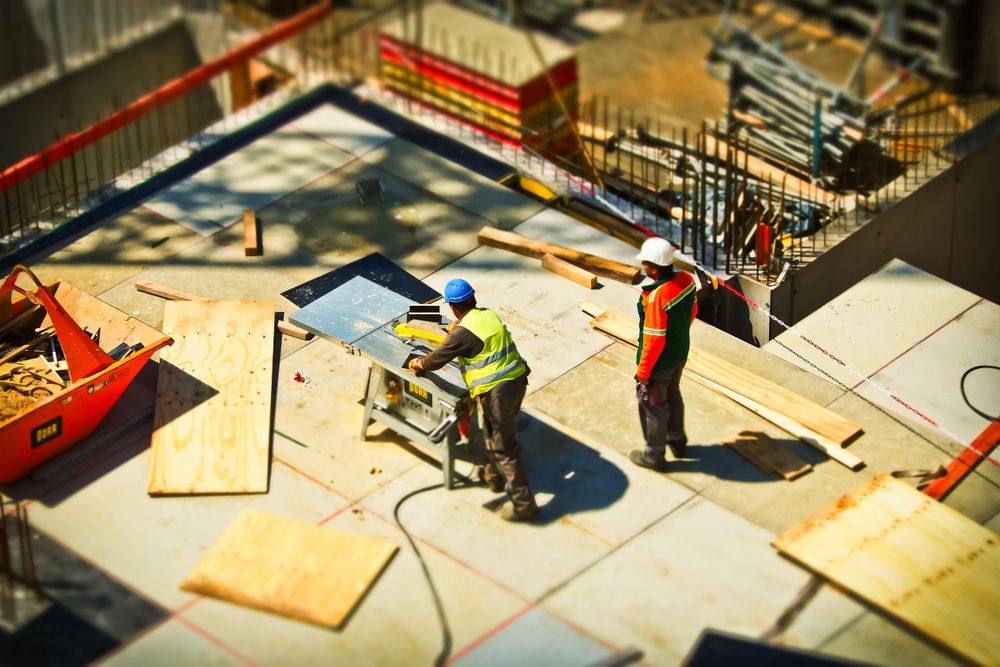
Construction site
05 Construction

Construction

Take digital workflows closer to project and site activity.

Healthcare facility
06 Healthcare

Healthcare

Support mobile access to information across operational environments.

06
Application Environments Factory inspections · Equipment maintenance · Field engineering · Utilities · Construction · Healthcare
Discuss Your Application
Rugged Tablet Selection Guide

Start with the environment. Then define the hardware.

Rugged tablet selection should go beyond comparing specification sheets. The working environment, enterprise applications, deployment model and long-term support requirements all need to be considered together.

01
Environment

Operational Environment

Start by defining where the tablet will actually operate. Factory floors, outdoor infrastructure, field engineering and construction environments can place very different demands on hardware.

Consider: Where does the employee spend the working day?
02
Physical Demands

Durability Requirements

Review the physical conditions the device may encounter during normal operations. Rugged hardware should be evaluated around the actual environment rather than assumed requirements.

Consider: What exposure or handling conditions are realistic?
03
Communication

Connectivity Requirements

Determine how workers need to access enterprise information while moving through the environment. Connectivity requirements should be defined around the deployment and workflow.

Consider: Where and when does the user need connected access?
04
Enterprise Systems

Applications & Integration

Identify the applications and existing business systems involved in the workflow before hardware selection. The device needs to fit the wider operational technology environment.

Consider: Which applications must employees access in the field?
05
Administration

Device Management

Enterprise deployments should consider how tablets will be configured, standardised and managed as device quantities grow across workers, teams and operating locations.

Consider: How will a larger fleet be managed consistently?
06
Deployment

Workflow & User Requirements

Consider how employees will physically interact with the device throughout the working day and whether the tablet format suits the tasks they need to complete.

Consider: Does the form factor fit the employee's actual workflow?
07
Lifecycle

Service, Support & Warranty

Enterprise hardware should be evaluated beyond the initial purchase. After-sales support and warranty arrangements form part of the overall deployment and lifecycle decision.

Consider: What happens when a device needs service?
08
Long-Term Planning

Future Scalability

Consider whether the deployment may expand across additional workers, locations or workflows. Planning ahead can help prevent a device decision from becoming isolated from wider operations.

Consider: Will today's deployment still make sense as operations grow?
08
Rugged Tablet Selection Factors Environment → Durability → Connectivity → Applications → Management → Workflow → Support → Scalability
Requirement Before Specification
Why Delmonix

Rugged mobility backed by enterprise hardware experience.

Rugged tablet deployment is not only about selecting a device. It is about fitting hardware into real operational workflows and supporting that deployment over the long term.

Industry Expertise 18+ Years of experience across enterprise hardware.

Delmonix brings long-standing industry experience across enterprise data capture, mobility, printing and intelligent edge hardware.

01 Made in India

Enterprise hardware built around the needs of modern Indian operations.

02 Enterprise Focus

Hardware selection approached through workflow, environment and operational requirements.

03 Pan-India Support

Service and warranty support for enterprise deployments across India.

04 Connected Portfolio

Rugged tablets form part of a wider enterprise hardware ecosystem.

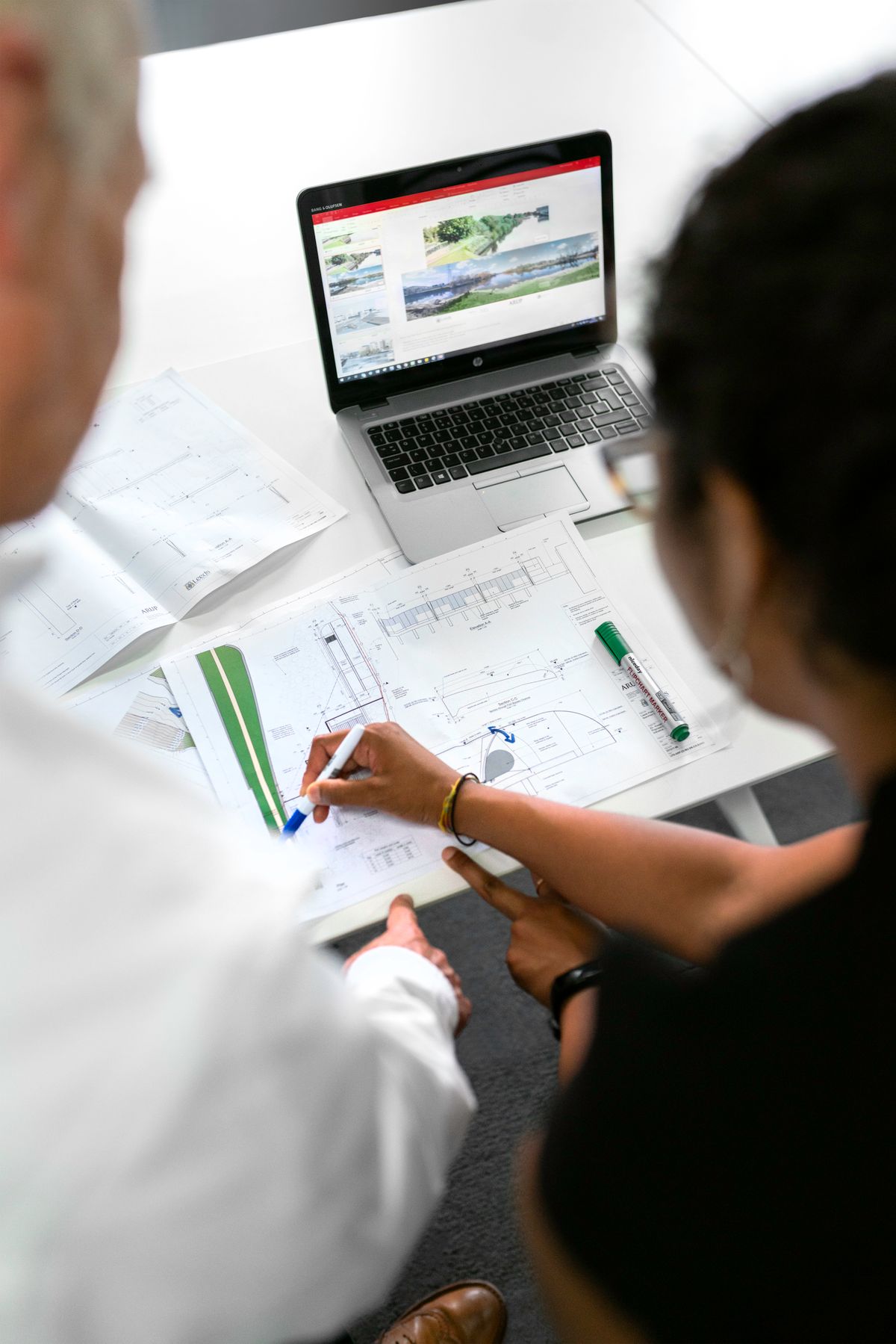
Industrial professional working in a field environment
Enterprise Mobility Delmonix / India
Hardware Around the Operation

Start with how your teams actually work.

Define the environment, applications, mobility requirements and deployment scale first — then choose the hardware around those realities.

One Enterprise Hardware Ecosystem Beyond rugged tablets
01 Barcode Scanners
02 Barcode & Receipt Printers
03 Mobile Computers
04 Rugged Tablets
05 AI Edge Devices
Planning a Rugged Tablet Deployment? Tell us where the device will operate, how your teams will use it and what enterprise systems it needs to support.
Talk to Delmonix
Rugged Tablet FAQs

Questions before deploying rugged computing?

Understand where rugged tablets fit, why organisations use them and what should be evaluated before selecting hardware for field and industrial operations.

Common Questions 08

Selection starts with the working environment, workflow and long-term deployment requirements.

01 What is a rugged tablet?

A rugged tablet is an enterprise mobile computing device intended for demanding operational environments while giving users access to digital applications and information wherever work is being performed.

02 Why are rugged tablets used in industrial environments?

Rugged tablets are designed for demanding environments where standard consumer devices may be less suitable. They allow teams to continue using digital workflows in industrial, field and mobile operating environments.

03 How is a rugged tablet different from a consumer tablet?

Consumer tablets are generally designed around normal everyday environments. Rugged tablets are selected for workflows where operating conditions, durability and enterprise use requirements are more important parts of the hardware decision.

04 What are rugged tablets commonly used for?

Common applications include factory-floor inspections, equipment maintenance, field engineering, utilities, construction and healthcare. The exact use case depends on the organisation and operating environment.

05 What are the business benefits of rugged tablets?

Rugged tablets can support field productivity, enhanced mobility, digital inspections and improved collaboration by bringing enterprise information closer to employees working away from conventional fixed workstations.

06 What should businesses consider when choosing a rugged tablet?

Businesses should evaluate the operating environment, durability requirements, connectivity, device management, integration with existing systems, support and future scalability. Selection should begin with the workflow rather than specifications alone.

07 Are rugged tablets only useful outdoors?

No. Rugged tablets can also be valuable in factory floors, maintenance areas, healthcare environments and other operational spaces where employees need mobile access to digital workflows and enterprise applications.

08 What should be considered for a larger rugged tablet deployment?

Larger deployments should consider how devices will be managed, integrated, serviced and scaled across users and locations. Long-term support becomes increasingly important as an enterprise deployment grows.

Still Evaluating the Requirement? Share the environment, workflow and deployment scale with Delmonix before selecting the hardware.
Discuss Your Requirement
Plan Your Rugged Deployment

Tell us where the tablet needs to work. We’ll start there.

Share the environment, workflow, applications and deployment requirements with Delmonix. We can help evaluate the requirement around the operation first — not a specification list alone.

Professional working in an industrial field environment
Rugged Enterprise Mobility Delmonix / Consultation
Requirement-Led Selection

Fit the hardware around the real working environment.

Factory floor, maintenance activity, field engineering, infrastructure or mobile operations — begin with what the employee actually needs to accomplish.

Start With Four Questions Before selecting the device
01
Environment Where will it operate?
02
Workflow What must the user do?
03
Integration What systems are involved?
04
Scale How will deployment grow?
Delmonix Rugged Tablets
Enterprise computing wherever the work happens.