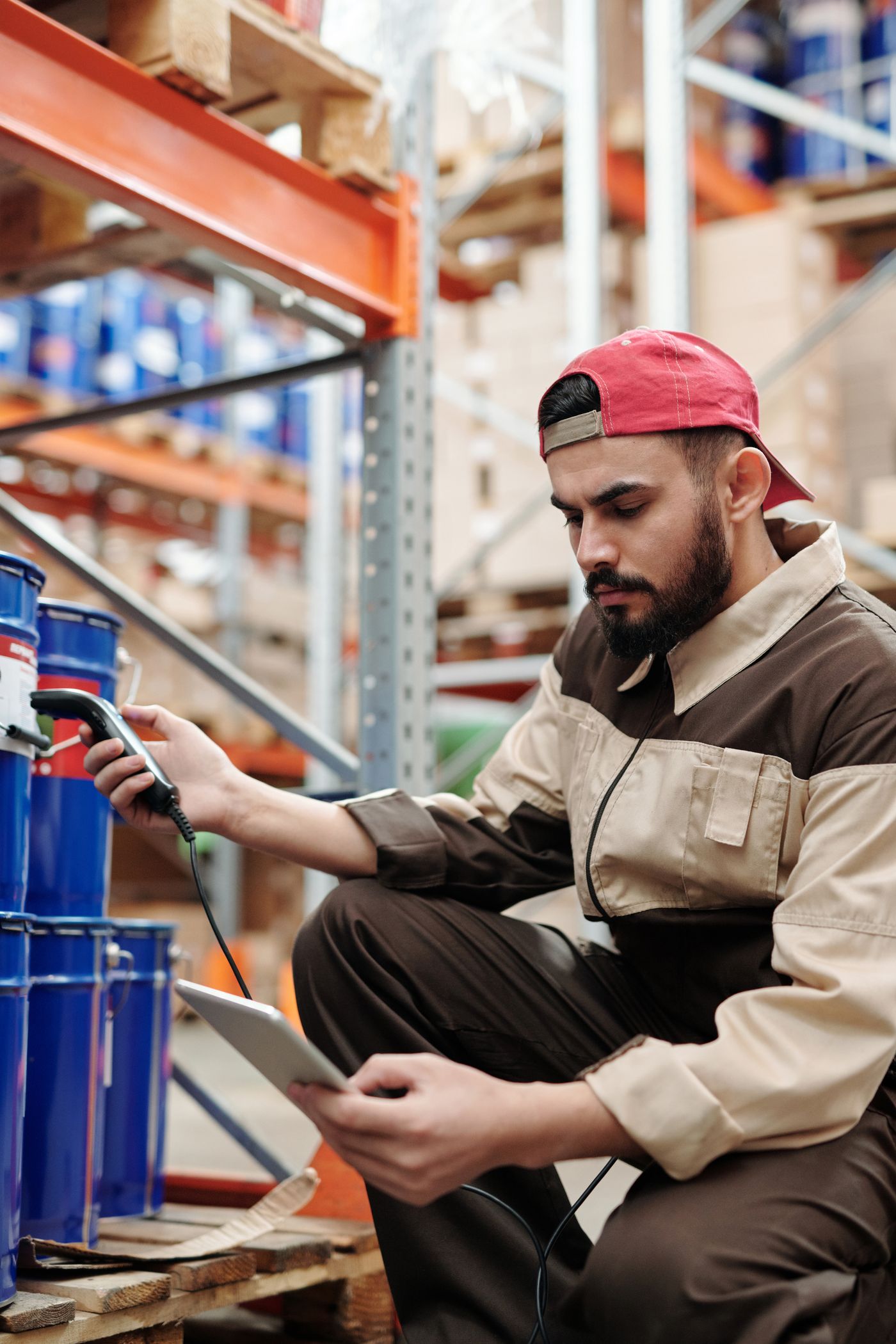
Capture
Collect barcode and operational information at the point of activity.
Made in India Enterprise Hardware for AIDC, AI & Industrial IoT
Made in India AIDC, mobility, rugged computing and AI & IoT hardware.
Bring barcode capture, mobile computing and wireless connectivity together in one enterprise device, helping teams access and update operational information wherever work happens.
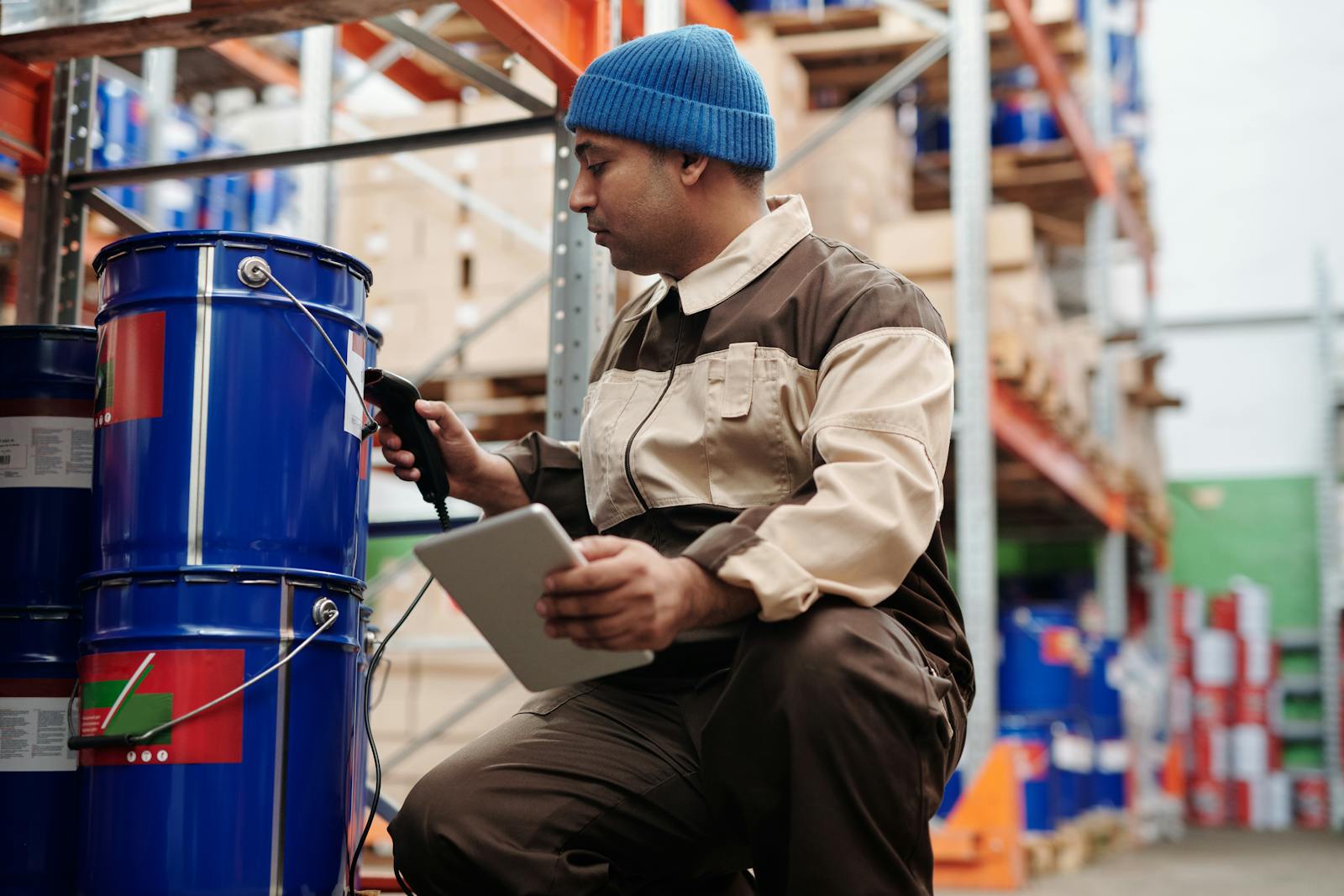
Mobile computers bring data capture and enterprise applications directly to the point of activity, helping employees complete operational tasks without repeatedly returning to a desktop or fixed terminal.
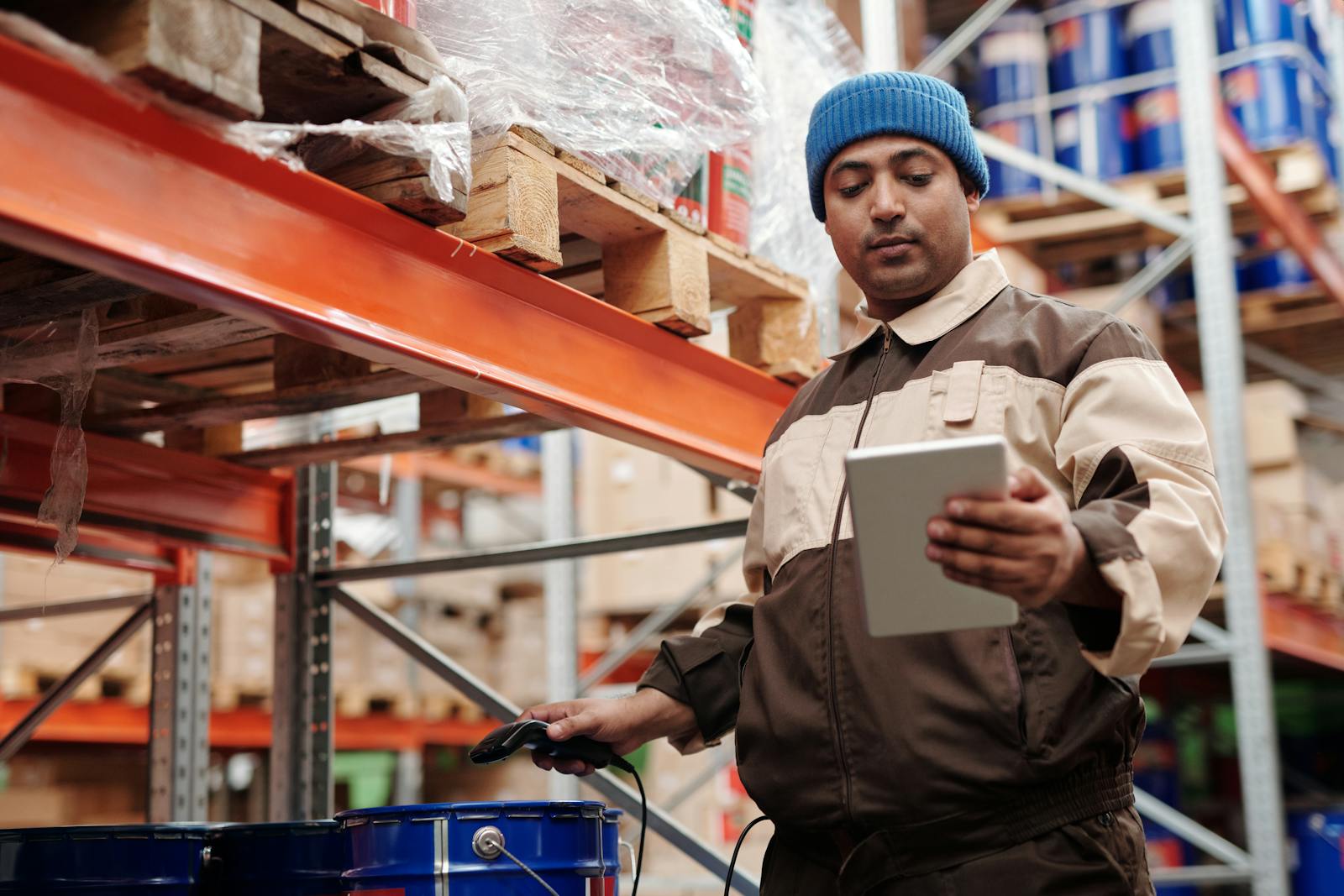
Capture data, access applications and update workflows while moving across operational environments.
Collect barcode and operational information at the point of activity.
Bring enterprise applications and task information closer to employees.
Check inventory, orders, assets or other operational records while moving.
Return completed activity and status information into connected systems.
Reduce unnecessary returns to fixed terminals during mobile workflows.
The choice depends on what the employee must do after the barcode is captured. A scanner focuses on data capture; a mobile computer adds local computing, wireless connectivity and access to business applications.
A barcode scanner is primarily used to read barcode information and pass that data into a connected system or workstation.
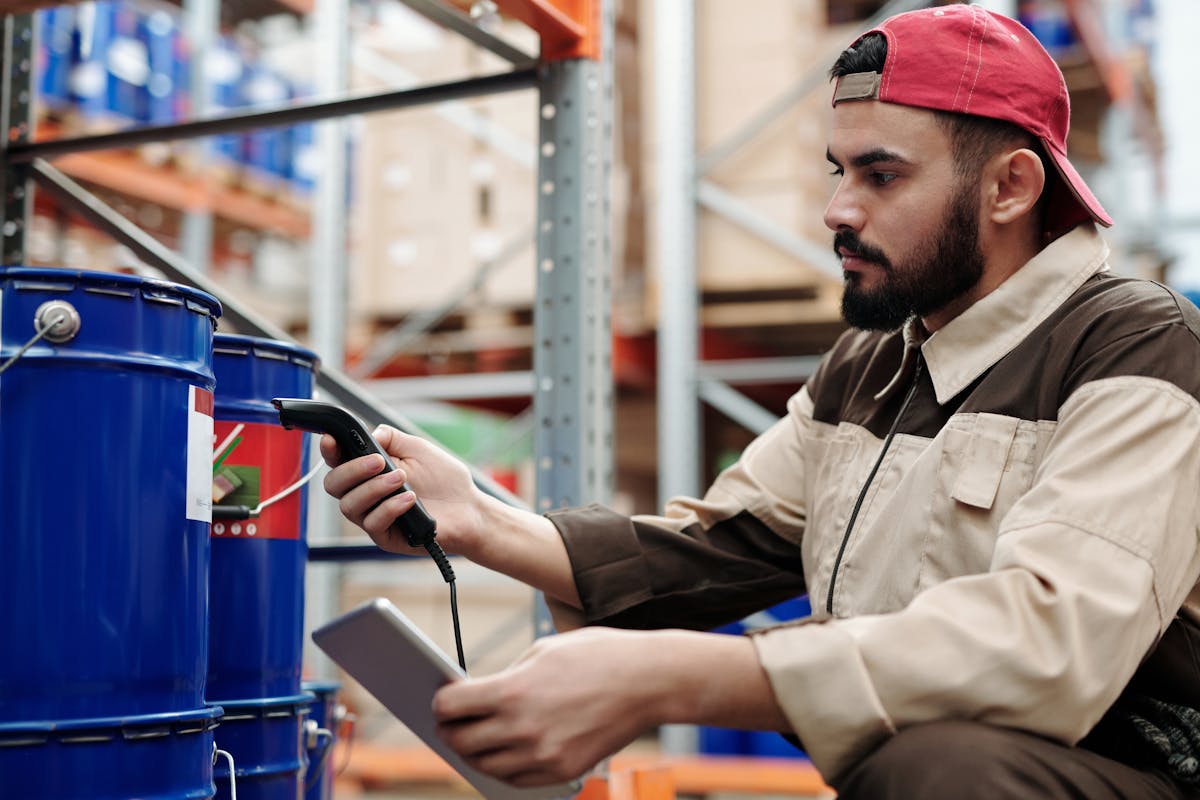
A mobile computer combines barcode capture with computing capability, wireless connectivity and access to enterprise applications away from a fixed terminal.
A mobile computer can keep data capture and enterprise applications within the same moving workflow, helping employees work closer to the physical activity they are managing.
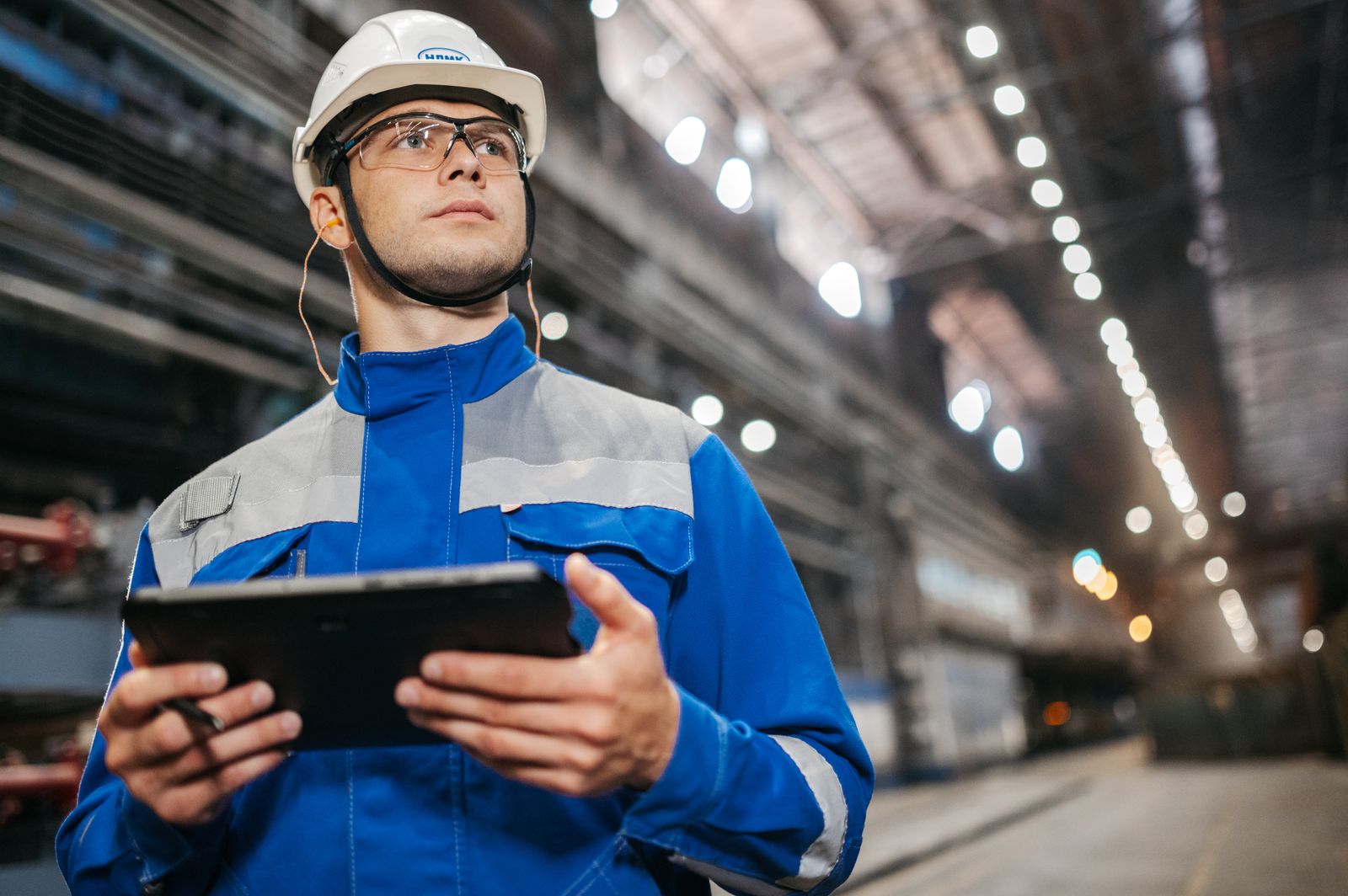
Capture barcode or operational information at the point of work.
Open relevant tasks, inventory records or enterprise applications.
Confirm the item, location, order, asset or task before continuing.
Record status or completed activity back into connected systems.
Continue the workflow without returning to a fixed workstation.
Enterprise mobile computers can support operations where employees need to capture information, access applications and update tasks while moving through the working environment.
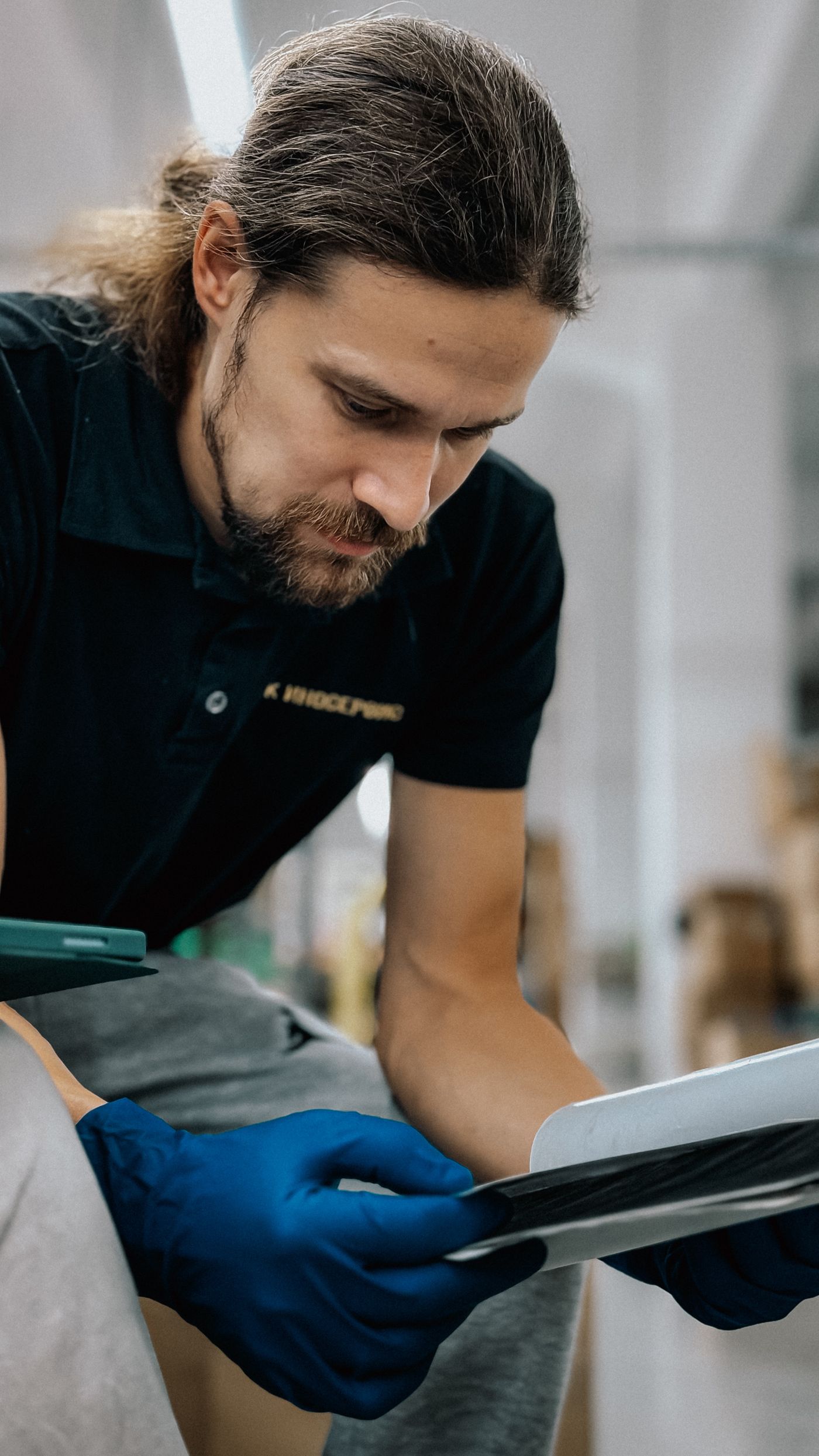
Support mobile inventory, location checking and picking workflows.

Keep shipment and task information available across moving logistics workflows.

Support stock management and operational tasks away from a fixed counter.
Bring work and inventory information closer to production activity.
Access task information and record activity while working away from a desk.
Support mobile workflows across inbound, storage and outbound operations.
Mobile computers should be evaluated as operational tools, not simply handheld devices. The right choice depends on the environment, task, connectivity, applications and scale of the deployment.
Define whether the device will be used in a warehouse, production area, retail store, vehicle or field environment.
Start with what the employee needs to capture, access, verify or update during the workflow.
Consider the physical conditions and handling demands the device must support.
Review how employees need to communicate with enterprise applications while moving.
Consider how the device fits with existing applications, data and operational systems.
Plan how devices will be configured, controlled and supported across the deployment.
Include service, technical assistance and warranty requirements in the selection process.
Plan for one device, one site or a wider enterprise rollout from the beginning.
Mobile computing is more than placing a handheld device in an employee’s hands. The hardware needs to fit the workflow, working environment and wider enterprise deployment around it.
Evaluate mobile computing around warehouse, manufacturing, retail, logistics and field workflows.
Enterprise hardware developed around Indian engineering and manufacturing capability.
Consider the device alongside data capture, applications and operational processes.
Start with the task, user environment, connectivity and deployment scale.
Service, technical support and warranty assistance for enterprise deployments.
Start with the task, worker, operating environment and enterprise systems before narrowing the mobile computing requirement.
An enterprise mobile computer combines barcode scanning, computing capability and wireless connectivity within a mobile device, allowing employees to capture information and work with enterprise applications away from a fixed workstation.
A barcode scanner is primarily used to capture barcode data. A mobile computer goes further by combining barcode capture with computing capability, wireless connectivity and access to business applications.
Common applications include inventory counting, warehouse picking, delivery operations, field services, manufacturing and retail stock management.
Mobile computers can support real-time inventory updates, workforce mobility, faster order fulfilment and improved productivity by bringing operational information closer to employees.
No. Mobile computing can also support manufacturing, logistics, retail and field-service operations where employees need access to information while moving through the working environment.
Consider the operating environment, durability requirements, connectivity, device management, integration with existing systems, support requirements and future scalability.
Not necessarily. Mobile computers are useful when employees need to capture or work with information away from fixed terminals and can form part of a wider enterprise technology environment.
Larger deployments should consider how devices will be managed, integrated, supported and scaled across employees, workflows and locations.
Share the task, operating environment, connectivity, application and deployment requirements. The Delmonix team can help define the right enterprise mobile computing approach without forcing an unverified product model into the requirement.